Content palettes- new features
Release date: 2nd February 2026
We’ve made some enhancements to content palettes in Next Generation Authoring. It's now easier for developers to let users choose one from a number of options. For example, a user can choose from an internal or external link, or one color palette from a choice of several.
We've also made some updates to some of our content field extensions.
Using content palettesLink copied!
Content palettes are flexible lists, organised in an array, that make it easier to create blogs, layouts and other combinations of different types of content items. The enhanced content palette builds on this functionality and allows developers to define a content palette as an object, allowing you to specify a list of objects from which only one can be selected.
Enhanced content palette- examplesLink copied!
In the example below, you can choose from an internal or external link. The external link must be a valid URL, while the internal link has no validation. The choices are shown in a menu.
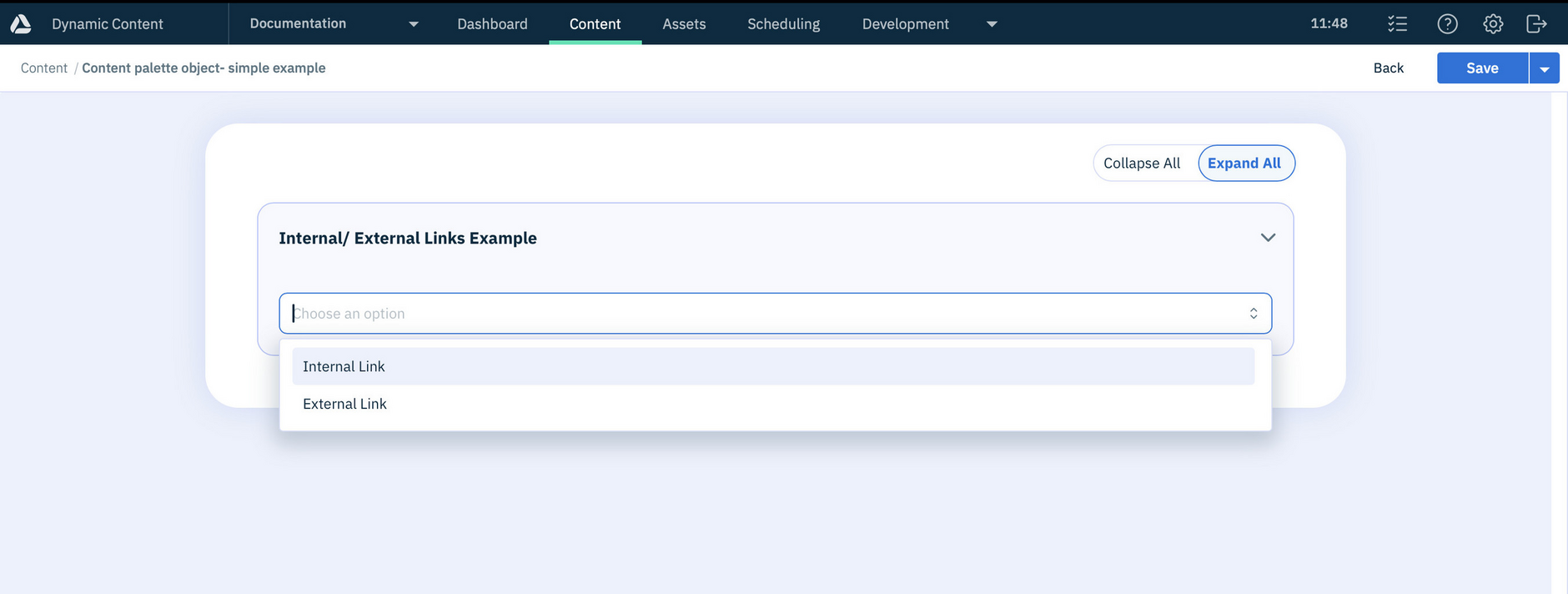
A more advanced example shows how you can choose a color theme from a list of options. Used in this way, content palettes are an alternative to using conditionals to provide users a choice of input fields.
You can find more information about how to use content palettes with objects in the Next Generation Authoring schema reference. We've also included some new schema examples.
Updates to extensionsLink copied!
We've made some updates to some of our content field extensions.
Localization extensionLink copied!
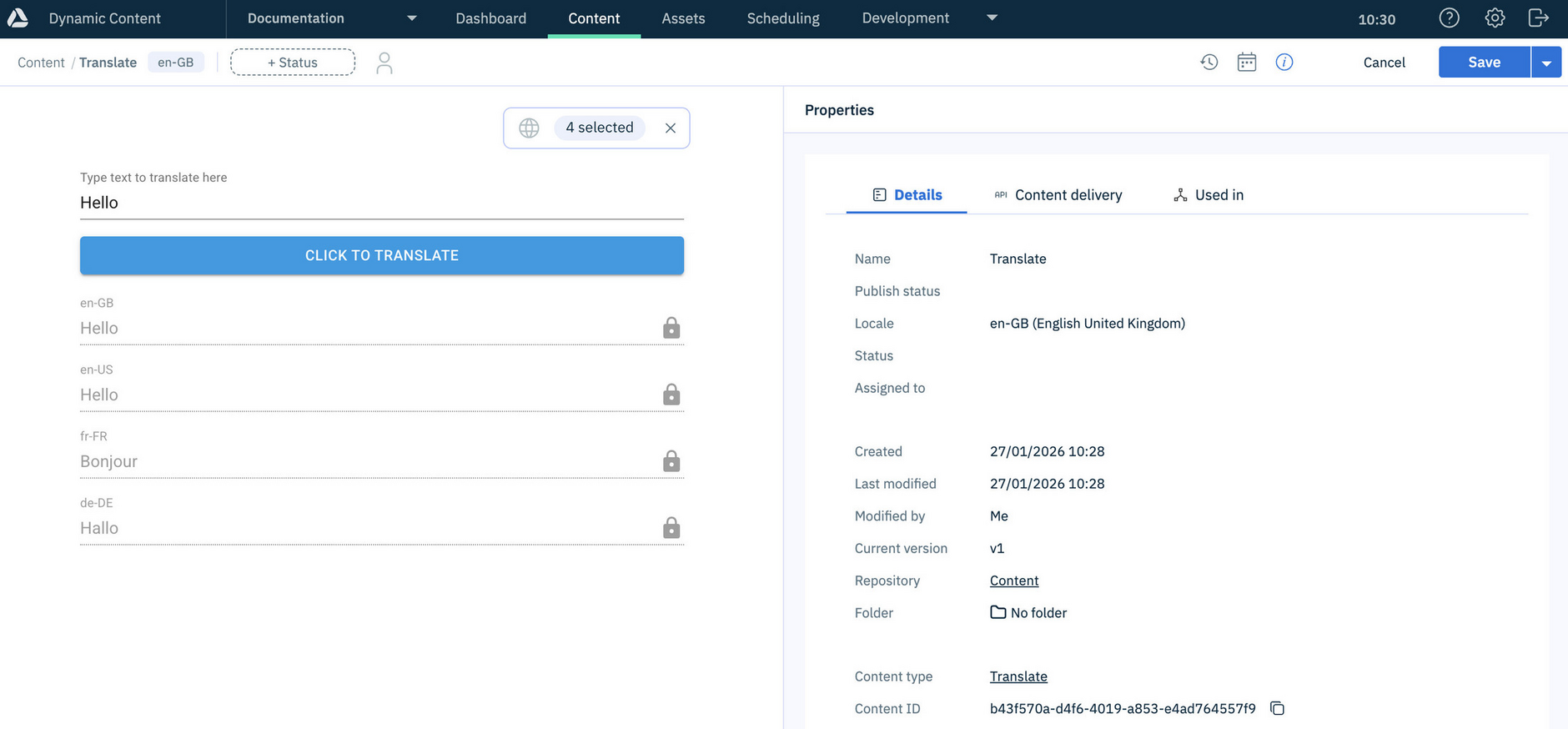
The localization extension has been updated to use OpenAI to translate text into multiple languages. We've included a schema example demonstrating its use. You need to include your OpenAI API key in the extension parameters, as explained in the GitHub repository
Hierarchy chooser extensionLink copied!
The hierarchy chooser extension allows users to browse and add content items from a hierarchy rather than having to find the individual items in the content library.
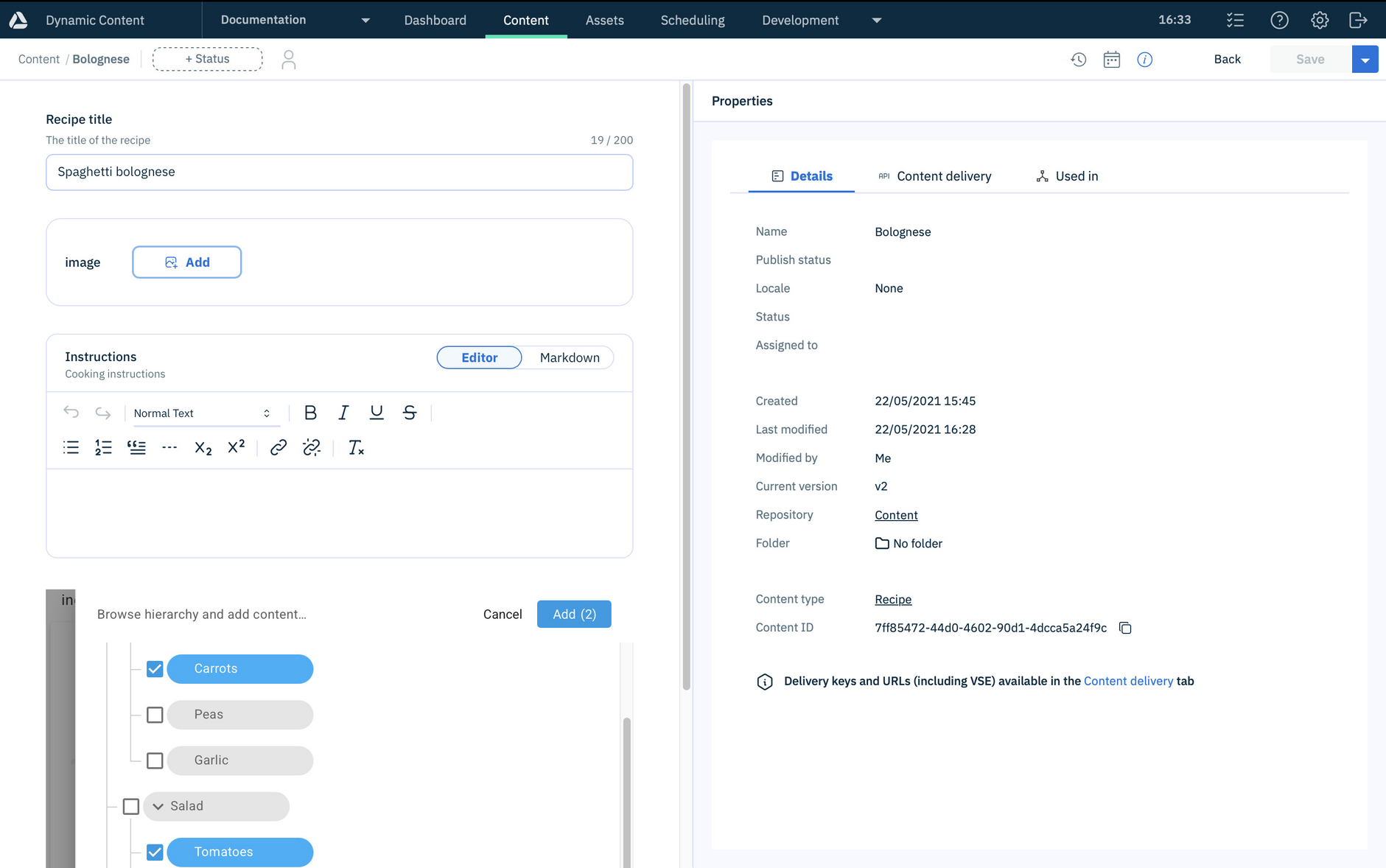
You can now specify the delivery key of the hierarchy node from which the hierarchy can be browsed instead of its content item id. This is particularly useful if you copy content between hubs- previously in this case you needed to update the content item id in the hierarchy extension settings. Now, if the delivery key remains the same between the source and destination hub, then you won't need to update the extension settings or the content type schema.
See the hierarchy chooser extension page for more details and an example.
Generative rich text editor extensionLink copied!
The Generative rich text editor extension now allows developers to specify which AI model to use. The default is GPT-5.2, but you can update the installation parameters to choose from another of the supported models.
Related pagesLink copied!
Content palette- schema reference